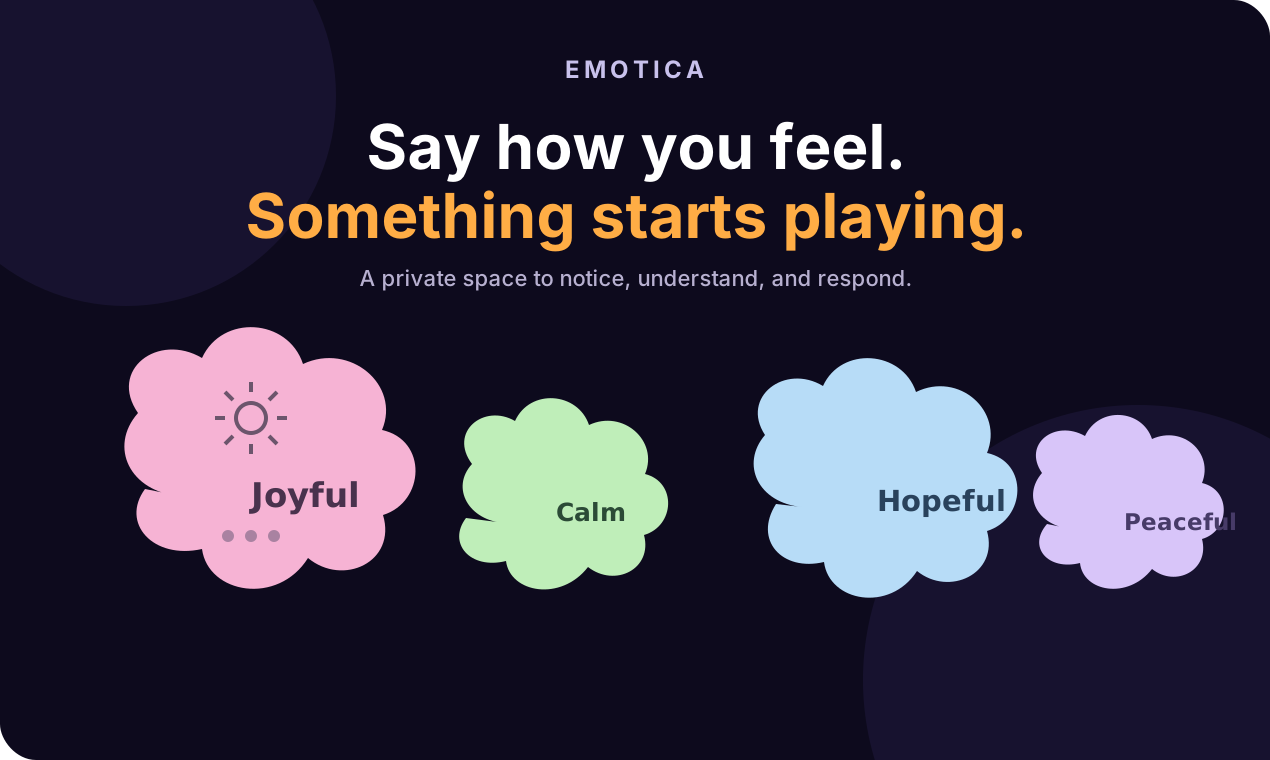
Say how you feel. Something starts playing.
A ready-to-use launch page for the web version of Emotica: positioning, maker copy, first comment, launch-day checklist, and calm visual assets.
Positioning
One-line pitch
Emotica turns a feeling into a small next step: a private space to notice what is here, then listen, write, or pause.
Who it is for
People who want a softer way to check in with themselves without a questionnaire, streak, or account wall.
Why now
Most mood tools ask for more data. Emotica starts with one honest feeling and gives it room.
Product Hunt listing
Suggested tagline
Suggested description
Keep the listing concrete. Let the product do the explaining after the click.
Maker first comment
Launch-day plan
- Before launch: test the landing page in an incognito window, verify the Product Hunt link, and prepare three short replies from real product observations.
- First hour: post the maker comment, reply to every genuine question, and invite people to try the web version before explaining features.
- Midday: share one product moment — a feeling becoming a cloud — with the direct link. Avoid asking for votes.
- Evening: collect repeated questions and publish a short update in the maker comment only if it adds useful context.
- After launch: thank participants, record friction points, and turn the best questions into the next product improvement.
Downloadable visual assets
Use the feature graphic as the Product Hunt thumbnail or social card. The gallery layouts below use the existing Try Emotica product visuals and keep each message to one idea.
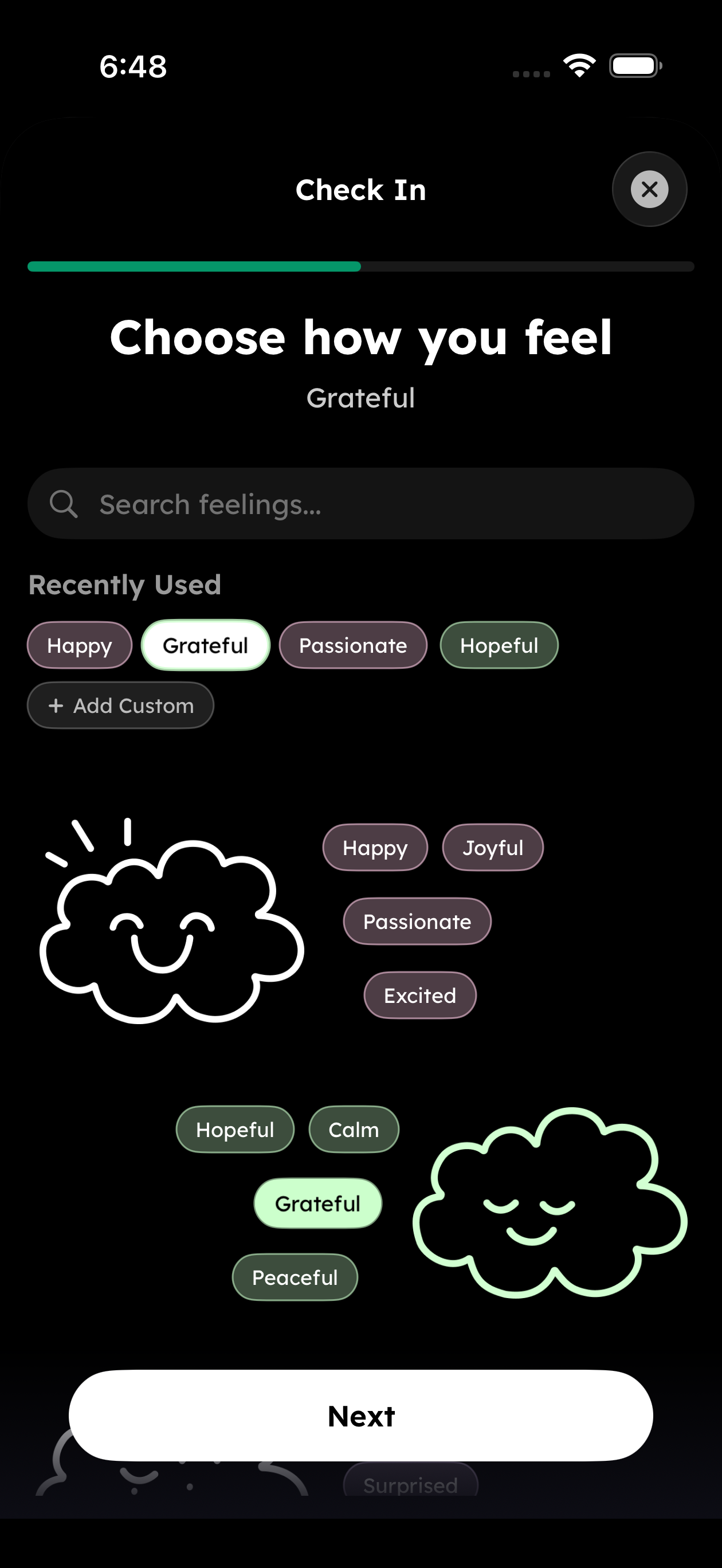
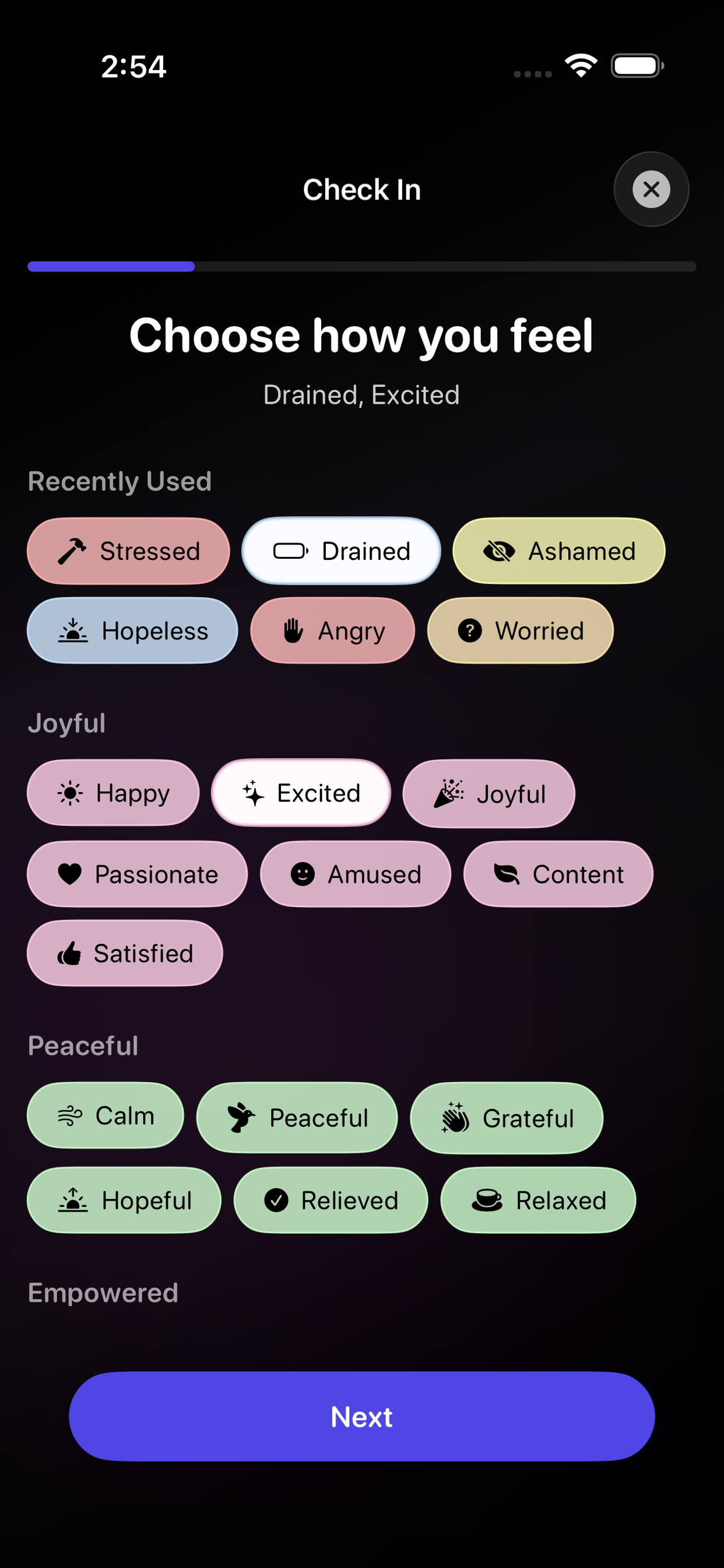
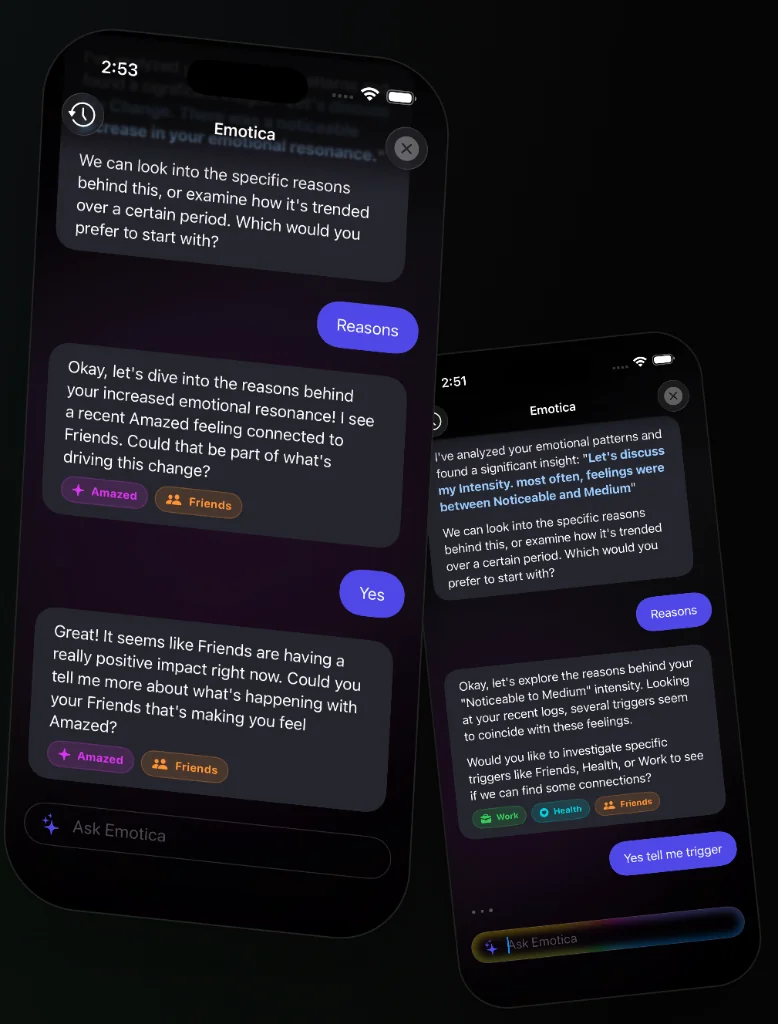
For the final upload, export the gallery cards at one consistent 1270 × 760 canvas. Keep phone screenshots large and use the same dark purple, cream, and warm orange palette.
Reply bank
“Is this therapy?”
No. Emotica is a reflection and listening tool, not medical care or a replacement for a professional.
“Do I need an account?”
No for the web experience. You can start with a feeling and see what happens.
“What should I try first?”
Pick the feeling that is closest, then follow the first suggestion. The point is a useful minute, not a perfect label.